
Your baby as a little pumpkin. Or a cartoon. Or a storybook page.
Pick a photo of your baby, choose a look, and BabyWish draws them into it with their own face. If you're not a parent yet, add two photos and see who your baby might be.
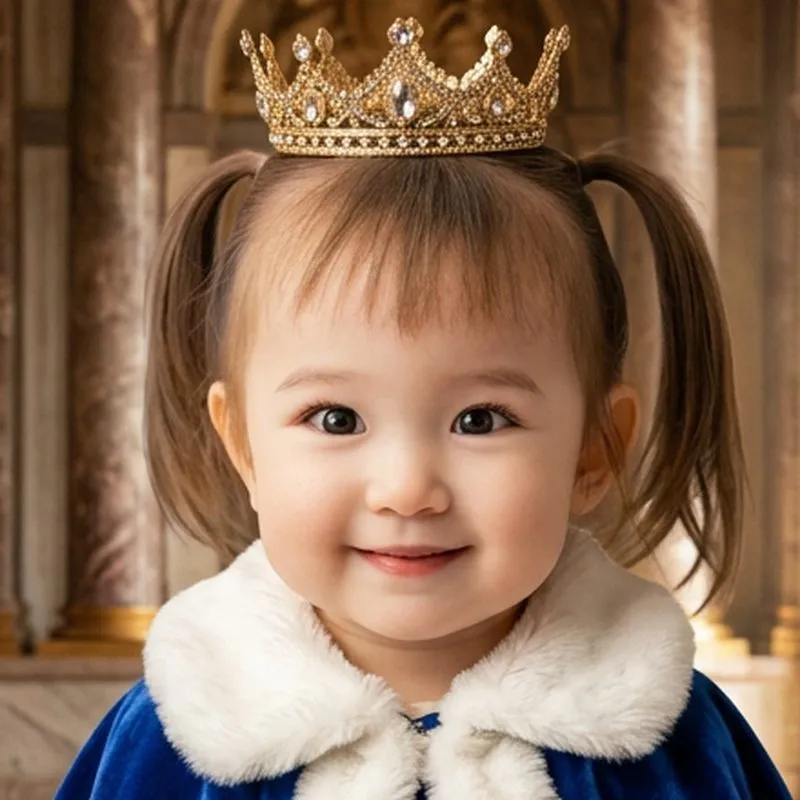
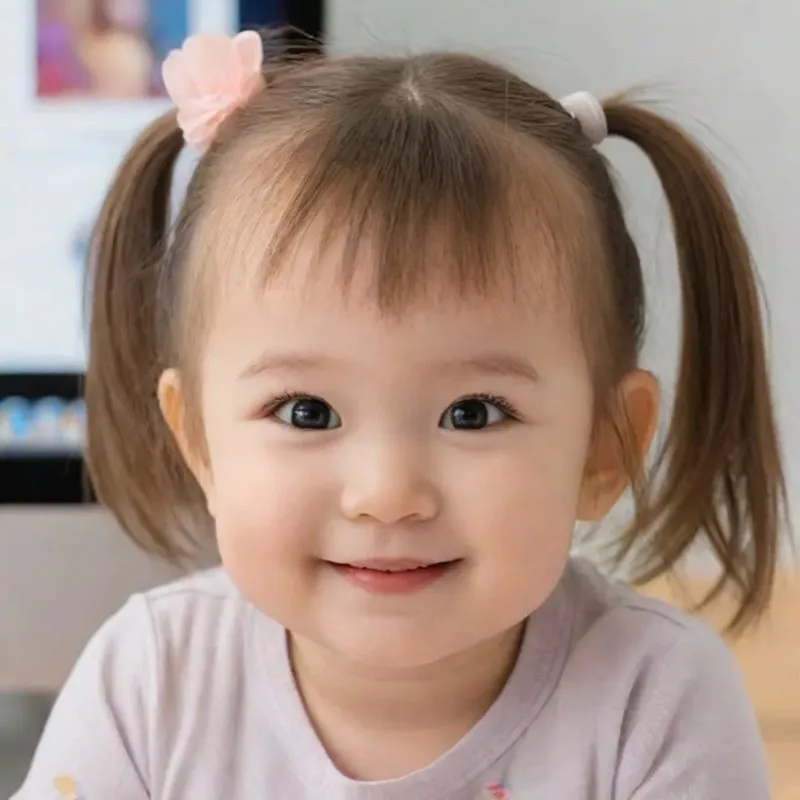
Tap a look
For iPhone, iPad and Android phones and tablets
Already have a little one, or still dreaming of one?
Choose yours below. The app has a tab for each, too.
Costumes, cartoons and movie scenes
You need one clear photo where your baby's face is visible. Choose a look and BabyWish draws your baby in that style.
Pumpkin Costume
Little Witch
Little Ghost
1920s Boss
Pirate Captain
Superhero
Safari Explorer
Teddy Bear Onesie
Little Royalty
Milestone Month
Studio Photoshoot
Little Astronaut
3D Animated
Soft Anime
Storybook
Knitted Doll
Toy Box Figure
Desk Figurine
Mom, dad and baby in one picture
Choose a photo of each of you and BabyWish puts all three faces in one picture. There are eight styles, including a Renaissance oil painting and matching Christmas pajamas.
Renaissance Portrait
3D Animated Family
Magazine Cover
Studio Portrait
Beach Sunset
Superhero Family
Christmas Pajamas
Movie Poster
Add your baby to your old photos
Pick a photo from before your baby was born, like your wedding day, then one of your baby. BabyWish adds them to it.
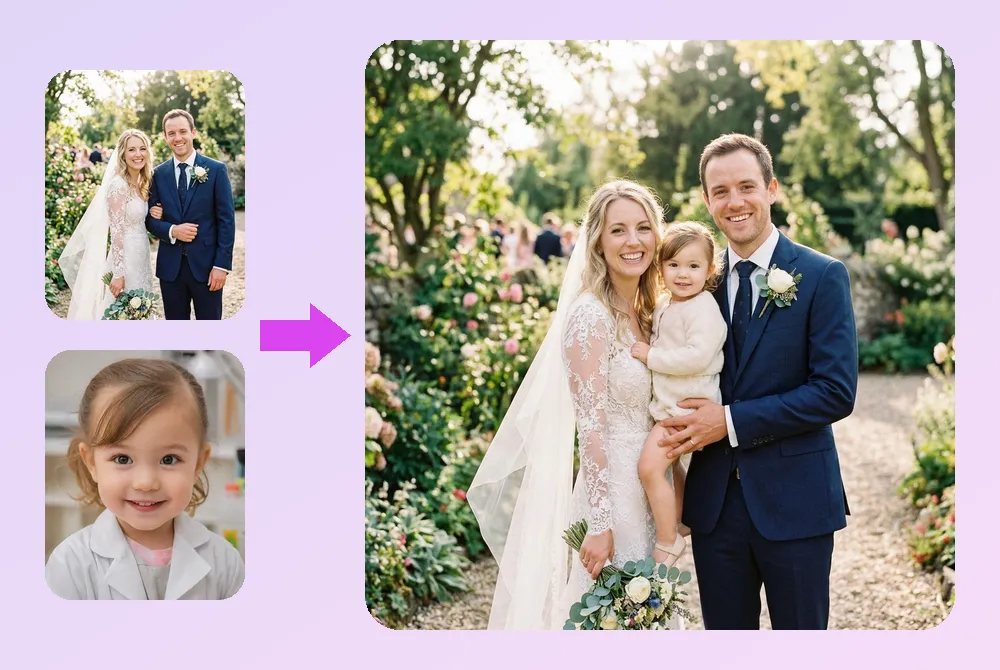
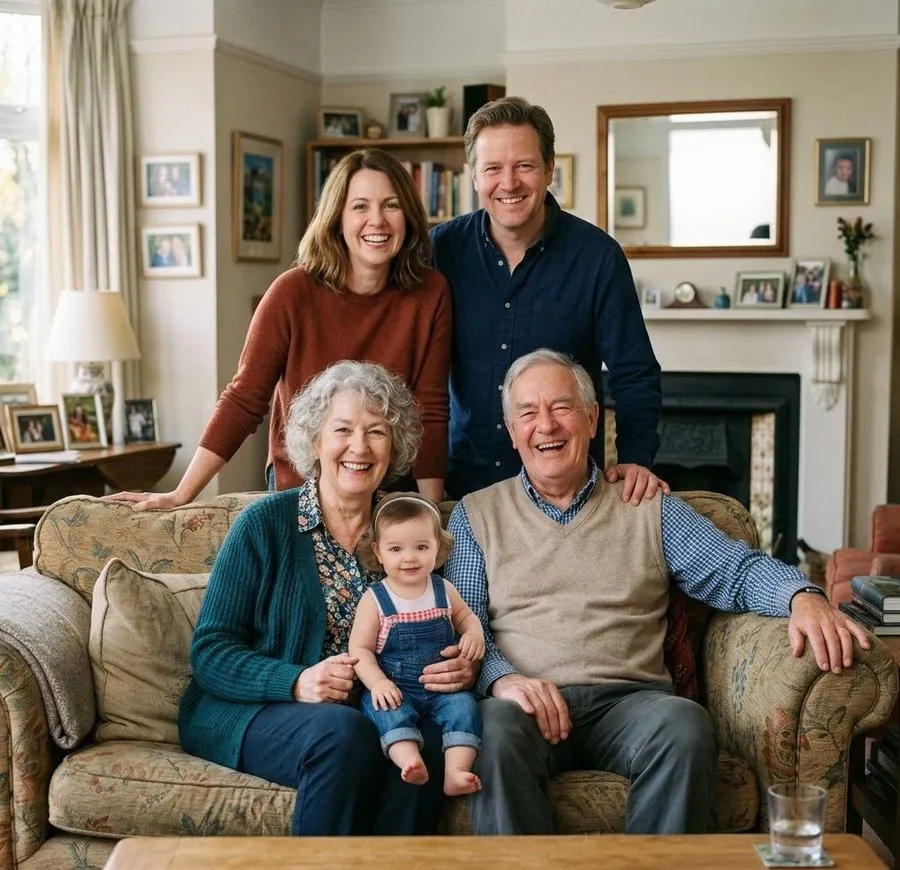
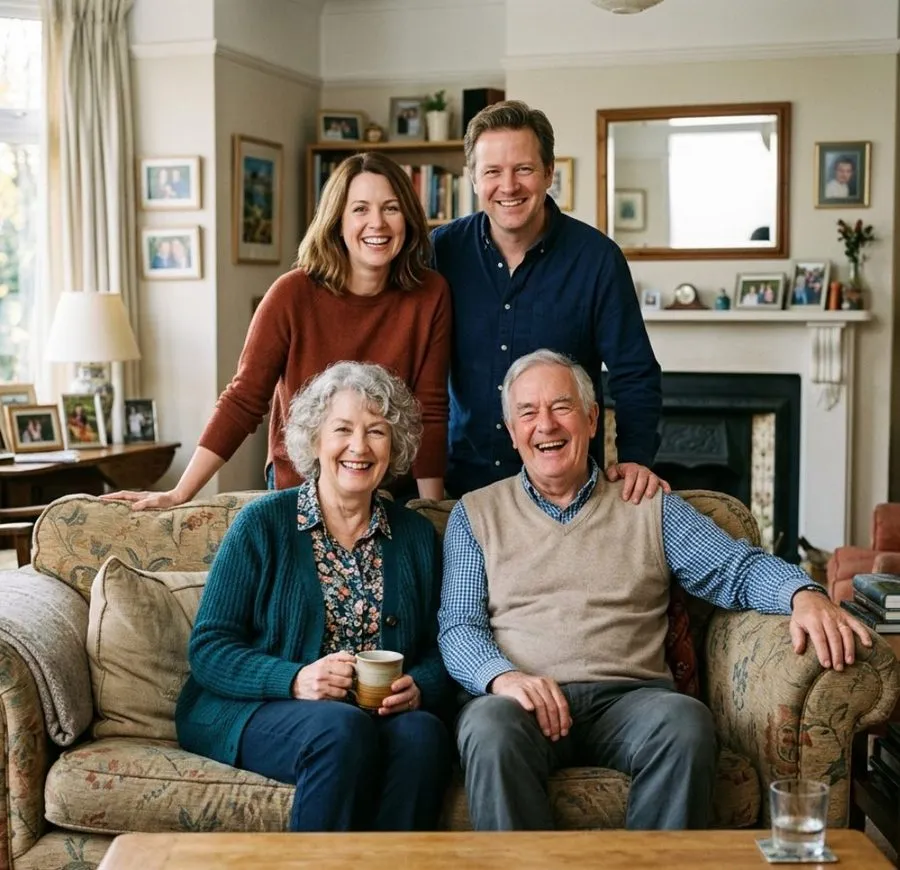
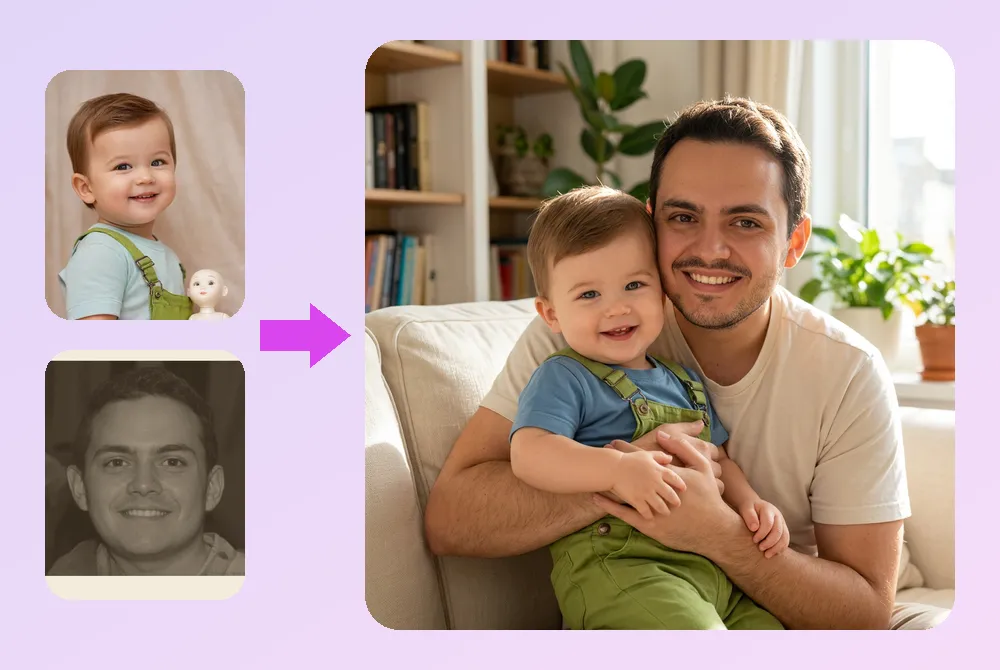
Together again
Some people belong in your child's photos and never got the chance to be there. The grandfather who didn't live to hold her. The grandmother who would have spoiled him rotten.
Choose a photo of your child, or of yourself, and one of the person you miss. BabyWish puts them in one warm picture, side by side.
Faded, creased or black-and-white prints work too, as long as the face is visible.
What will my baby look like?
Add a photo of each parent and BabyWish imagines your child. Pick an age from 3 to 20. For gender, choose one or tap Surprise Me.
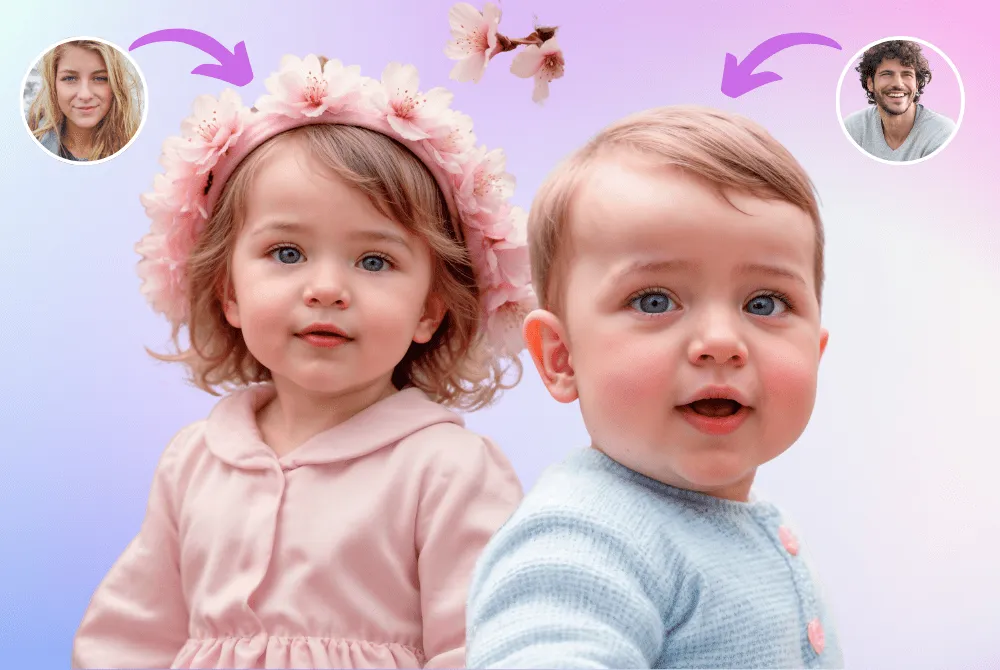
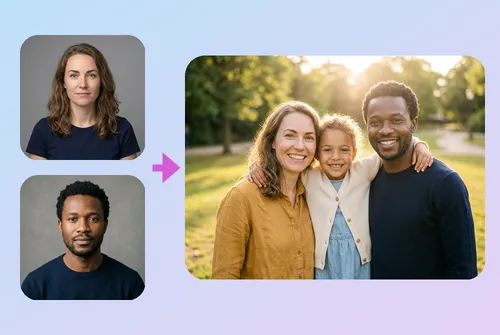
Future Family Photo
The two of you and the child you keep picturing, in one family photo.
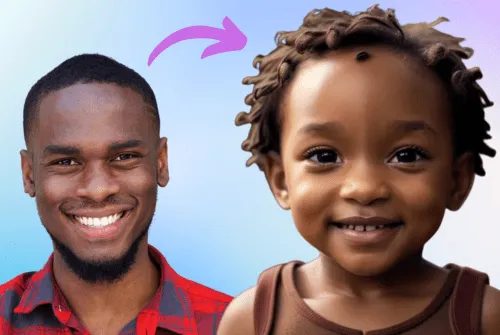
Turn Into a Baby
See any adult as a baby, from a single photo.

Make Someone Old
See how a face might look decades from now.
How it works
Pick a look
A costume, a family portrait or your future baby.
Add your photos
One photo for a costume, three for a family portrait. Bright, front-facing faces come out best.
Save it, send it
Your picture is ready in seconds. Save it, or share it with your friends on social media.
No account
Open the app and start. Nobody asks for your email or a password.
No ads
There are no banner or video ads in the app.
36 languages
Including Turkish, Japanese, Arabic and Hindi.
Questions
What can BabyWish do?
Two things. Give it a photo of your baby and it makes new pictures of them: costumes, movie scenes, cartoon styles, family portraits, or your baby added to an older photo. Give it photos of two parents and it imagines what your future baby could look like.
Is the future baby a real prediction?
No. BabyWish is a baby face generator for fun. It is not a medical or genetic test and can't tell you how your future child will look. Every result is a new image made by AI.
Do I need an account?
No. You don't sign up for anything, and the app works from the moment you open it.
What happens to my photos?
A photo you choose is processed to produce your result and is not kept for anything else. We do not use it to train models and we do not sell it. The privacy policy has the full detail.
What does it cost?
BabyWish is free to download. Creating pictures needs a BabyWish Pro subscription, which you manage in your Apple ID or Google Play settings.
Which devices does it run on?
iPhone and iPad running iOS 16.4 or later, and Android phones and tablets through Google Play.